Guides

Wi-Fi, internet security, connection troubleshooting, and networking for small businesses. All written in-house.

Troubleshooting

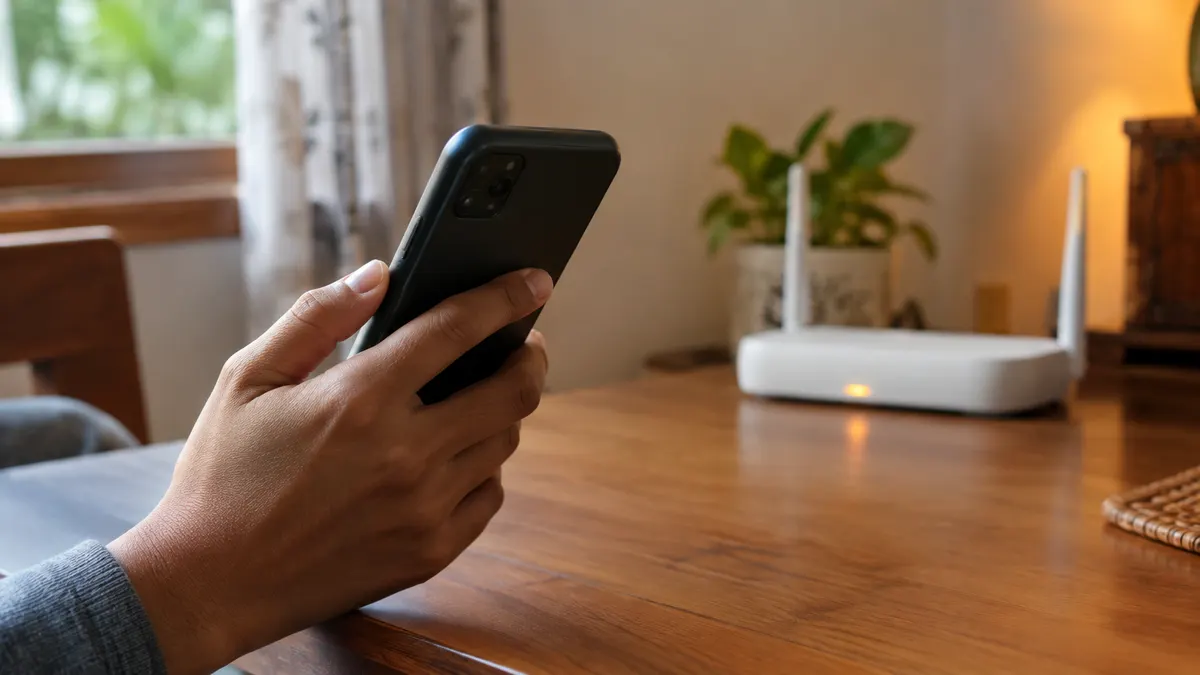
How to Speed Up Internet on Android and iPhone

"Signal booster" apps don't make your internet faster. What matters are small settings people rarely touch: network mode, data saver, a VPN left on, or a nearly full phone. Here's a checklist you can work through in ten minutes.

Hardware

How to Screen Mirror Your Phone to a TV (Android & iPhone)

Phone videos are too small to watch together. Almost every smart TV can show your phone's screen without a cable, as long as you know the difference between mirroring and casting. Pick the wrong one and you get stutter or a black screen.

Troubleshooting

Chrome Error Codes Explained and How to Fix Them

A blank page with a dinosaur and small text like DNS_PROBE_FINISHED_NXDOMAIN. That code is more than a failure message. It tells you where the connection broke, so you know what to fix.

For Business

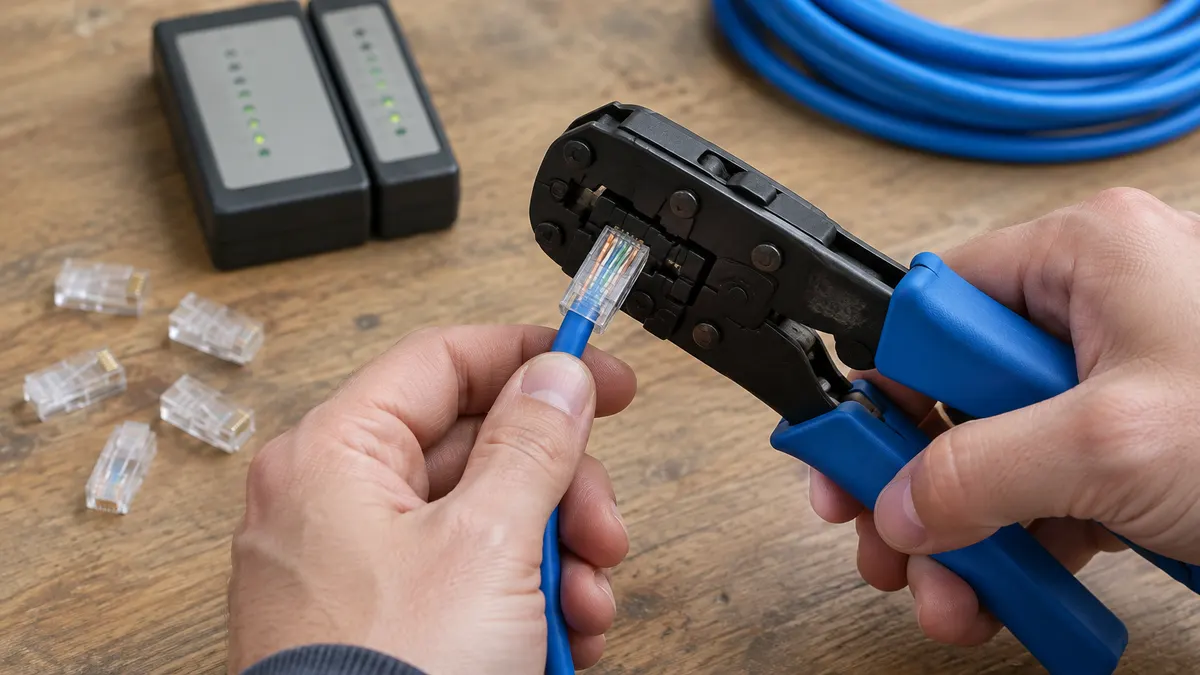
How to Set Up a MikroTik Hotspot for a Wi-Fi Business

MikroTik is the most common choice for voucher Wi-Fi businesses and café Wi-Fi because it's cheap and full-featured. The menus look intimidating, but a basic hotspot can be running in about 15 minutes with the Hotspot Setup wizard.

Hardware

How to Log In to 192.168.1.1 and 192.168.0.1 (Router Admin Page)

Almost every guide to changing a Wi-Fi password starts the same way: open 192.168.1.1 in your browser. That step often ends in a blank page, a security warning, or a login box that rejects every password you try.

Networking

How to Find Your IP Address on a Phone or Laptop

A technician asks "what's your IP?" and you find two different numbers: one in the Wi-Fi settings, another on an IP checker site. Both are right. One is your address inside the house, the other your address on the internet.

Still no answer?

Send your question to the editorial team. The ones that keep coming up usually become the next guide.