Wi-Fi Keeps Disconnecting: Causes and Fixes
It drops for a few seconds, then recovers on its own. The cause is different from Wi-Fi that is merely slow.
Wi-Fi, internet security, connection troubleshooting, and networking for small businesses. All written in-house.
It drops for a few seconds, then recovers on its own. The cause is different from Wi-Fi that is merely slow.
Fibre is not affected by water directly. What is affected are the joints and terminals outside the house, and that explains why the symptoms return every season.
Full signal bars only mean your device hears the router clearly. Speed is an entirely separate matter.
Password rejected, connected but with no internet, or the network missing entirely. Three different symptoms, three different causes.
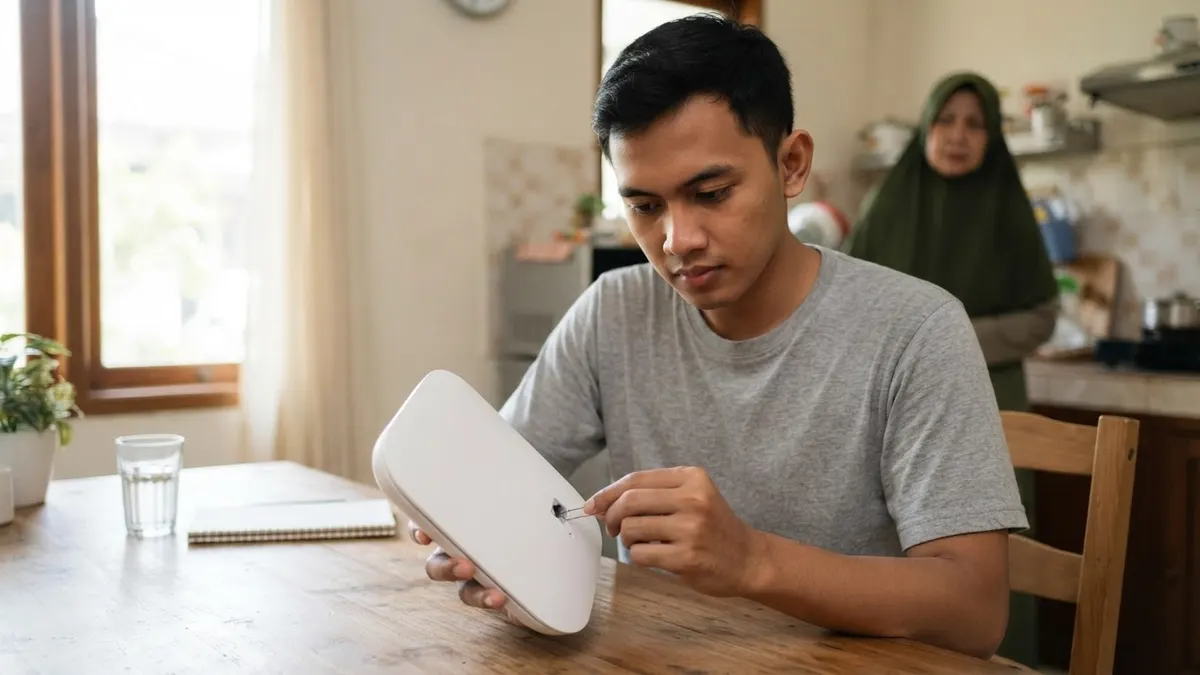
A reset also erases the configuration the technician entered on installation day. On a fibre subscription, that can mean no internet until they come back.
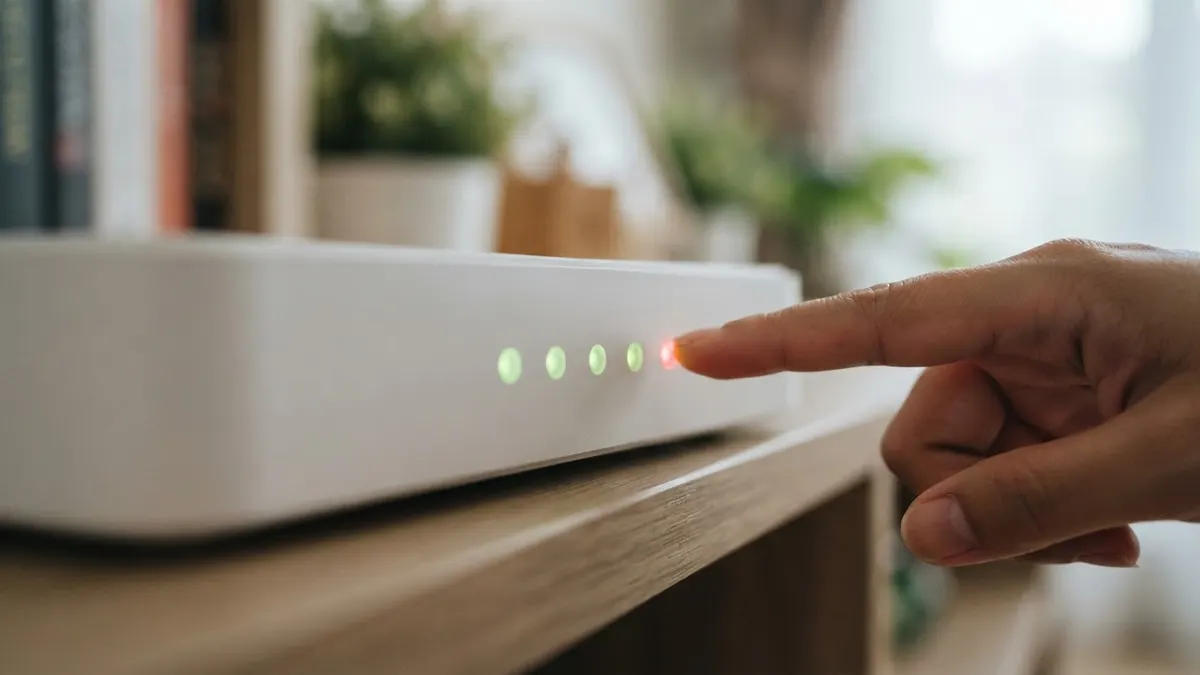
A red light does not always mean broken hardware. Most of them point to something outside the house, and that decides whether you need to phone anyone.
Your device stores the password for every network it has joined. Showing it again takes two to four taps, and differs by system.
If every other device is fine, replacing the router will not help. The problem sits in one of three places, and finding it takes twenty minutes.
Speed tests mislead easily when run carelessly. Here is a method whose results you can trust.
An order of checks starting with the most likely, so you do not replace hardware for no reason.
Send your question to the editorial team. The ones that keep coming up usually become the next guide.