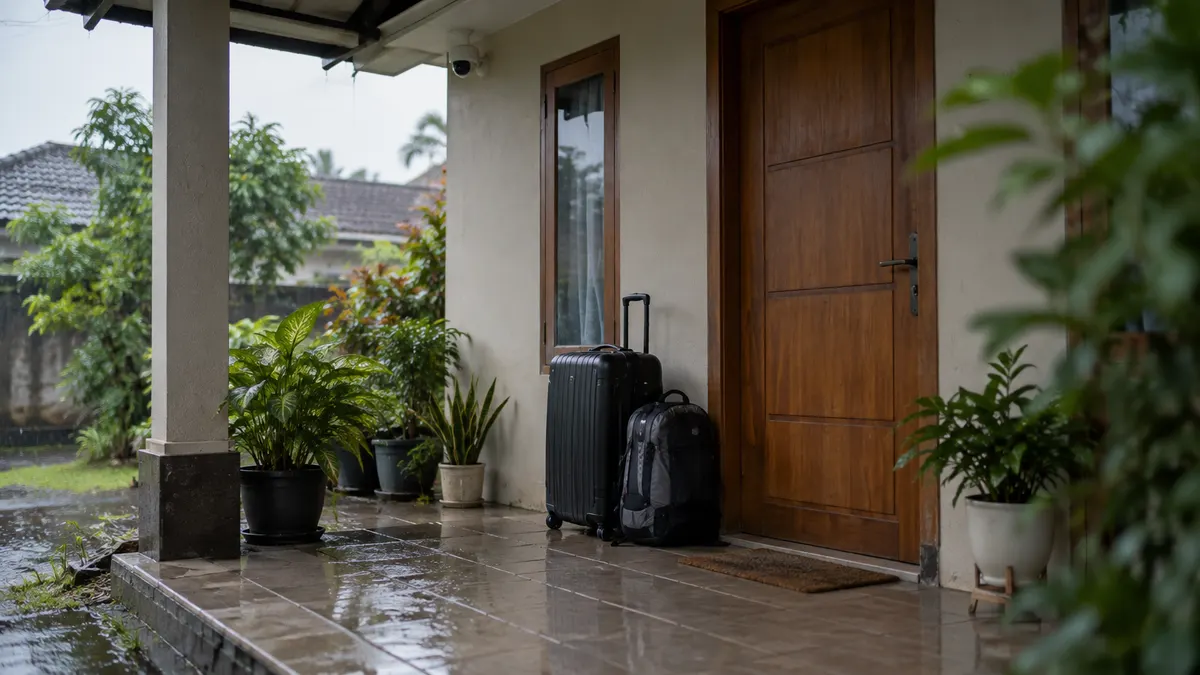
Around long holidays, many homes are left empty for days, whether for mudik, a year-end holiday, or a trip back to the home town. On the second day of the trip you open the CCTV app and all you see is offline. Nobody is home to press the restart button.
The camera itself is rarely the problem. Usually the power went off briefly and one device did not come back, the home internet was cut over a bill, or the camera was never tested from outside the house. This guide covers what to check a day or two before leaving, so the home network can hold up and recover on its own while you are away.
Decide what has to stay on
Start with a simple question: which devices need a connection while the house is empty? Usually only CCTV, door or smoke sensors, a smart lock, and perhaps smart lights on a schedule so the house looks occupied.
- Nothing needs a connection. Unplug the ONT and router. There is no risk of network equipment overheating or being hit by a power surge, and nobody can use your Wi-Fi.
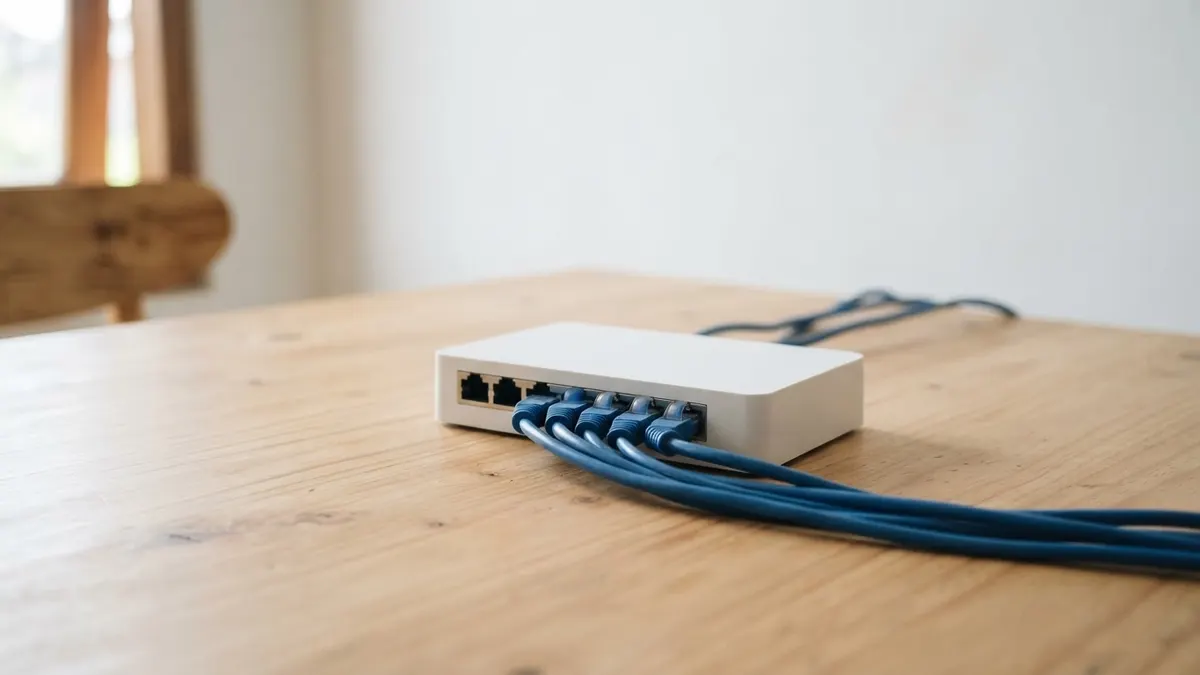
- There is CCTV or smart equipment. The ONT and router stay on. Unplug other devices you do not need, such as the TV, set top box, computer, game console, and printer. Besides saving power, an unplugged device cannot be damaged by a surge. Estimates of how much power network equipment uses are in the guide to the electricity cost of network equipment.
Test the CCTV from outside before you leave
This is the step most often skipped. At home, the camera app often reads footage over the local network, so everything looks fine. From outside, the camera has to be connected to the internet and to its maker's cloud service. To test it:
- Turn off Wi-Fi on your phone so it uses mobile data.
- Open the CCTV app and watch the live view of each camera for a minute.
- Play back footage from a few hours ago to make sure the memory card or cloud storage is really recording.
- If the camera uses a microSD card, check its free space and make sure overwriting old footage is turned on.
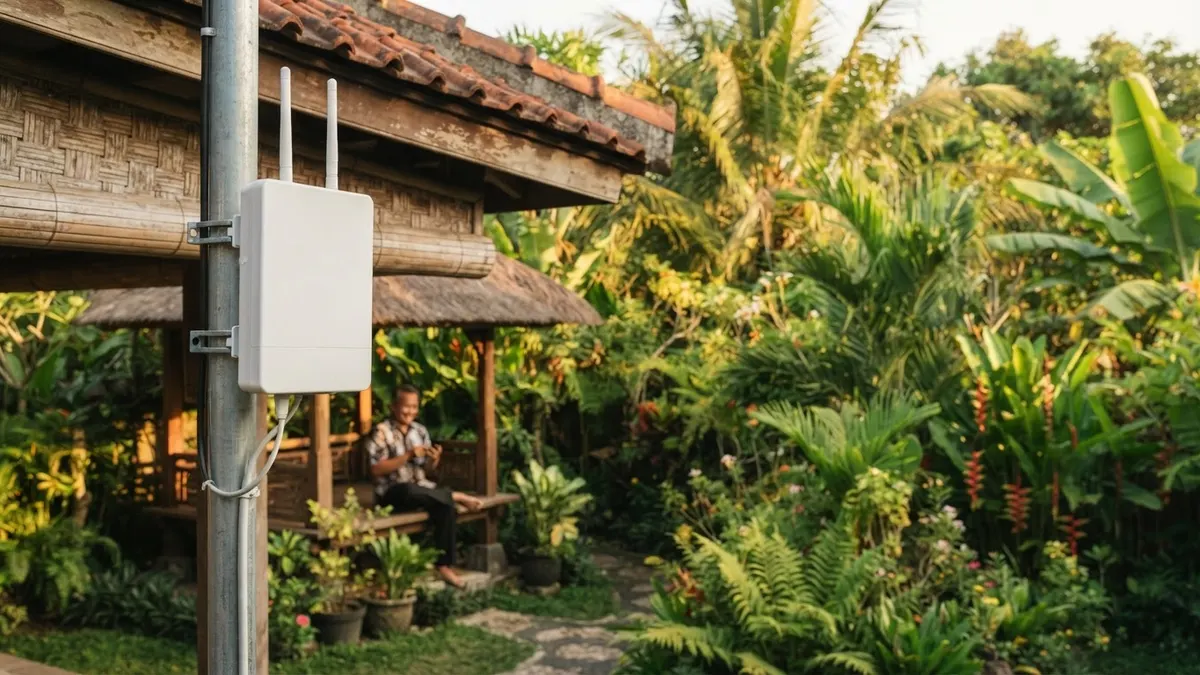
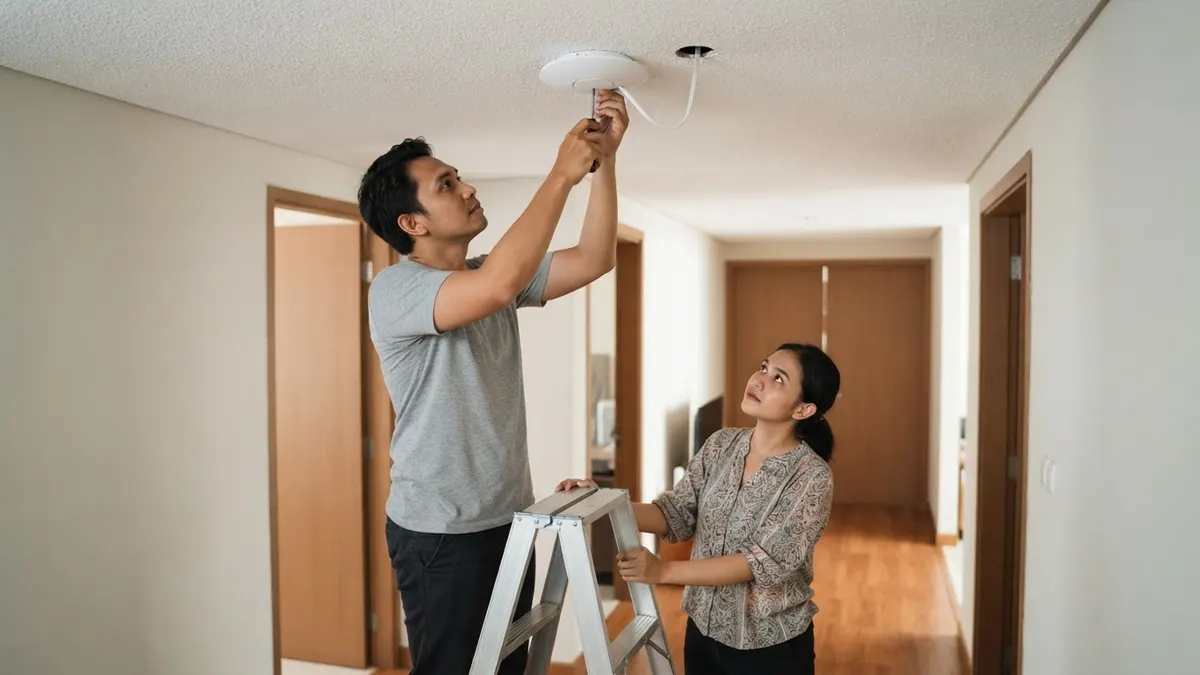
If any camera cannot be opened over mobile data, fix it now while you are still at home. Also change the camera's default password and update its firmware, as explained in the guide to Wi-Fi CCTV camera security. A camera too far from the router with a weak signal often drops in and out exactly when nobody is watching.
Make sure everything comes back after a power cut
In most of Indonesia, December to February is usually still the rainy season, so short power cuts and lightning strikes are more likely. What matters is not how long the power is off, but whether every device works again without anyone touching it once power returns.
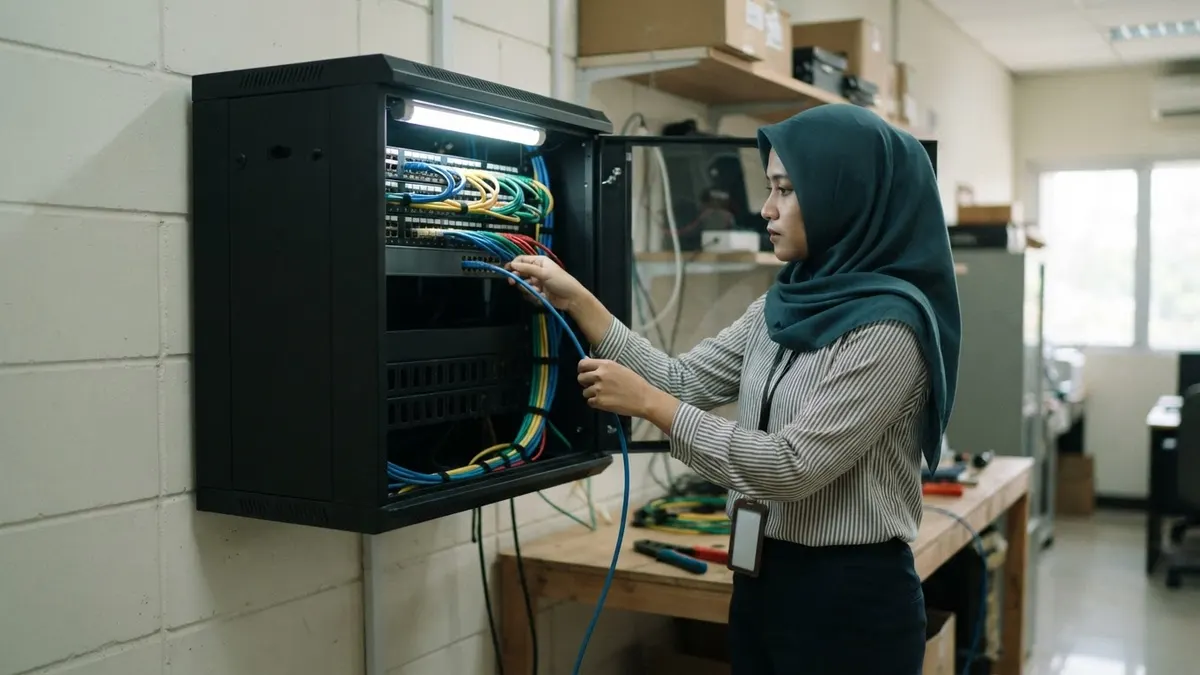
- Run your own power cut test. Switch off the house MCB for a minute, switch it back on, then wait five minutes. Check whether the ONT, router, and every camera reconnect without you pressing anything. A camera or router that has to be switched on by hand after a cut is best replaced or plugged into something that powers on automatically.
- Consider a small UPS for the ONT, router, and one main camera if the power in your area often goes off briefly. How to work out its runtime is in the guide to a UPS for the router. Remember that a UPS does not help if the provider's network outside also loses power.
- Protect against surges. Use a power strip with surge protection for devices that stay on, and unplug the rest. The details are in the guide to protecting equipment from lightning.
- Do not put a smart plug on the router itself in the hope of restarting it remotely. Once that plug cuts the router's power, the plug also loses internet and cannot be told to switch back on, unless it has a schedule or timer that runs without internet. If your router has a scheduled restart feature, for example once a week at 3 a.m., that is the safer option.
Tidy up Wi-Fi security
An empty house means nobody notices if a stranger's device is using your Wi-Fi. A few things worth tidying up before you leave:
- Turn off the guest network if nobody is using it. If a neighbour or house sitter needs internet, give them the guest network, not the main network the CCTV is on. How to do it is in the guide to a guest network on a home router.
- Turn off WPS if it is still on. The reasons are covered in the guide to the risks of WPS.
- Make sure the router admin password is not the factory default. This applies to the provider's ONT too.
- Note the list of connected devices from the router admin page. When you get back, compare the list. A new device you do not recognise is a sign to check the signs that your Wi-Fi has been compromised.
Pay the bill and note the provider's contact
Most home internet providers suspend service when a bill is late. If the due date falls in the middle of your holiday, pay early or turn on automatic payment. The cameras cannot be watched if the home internet is cut because a bill was forgotten.
Also save the provider's customer service number on your phone, for example 188 for IndiHome, along with your customer ID or internet number. If the internet goes down and a technician needs to come, they usually need access to the ONT inside the house, so decide which neighbour or relative can be contacted to open the door.
Quick checklist
| When | What to check |
|---|---|
| 2 days before | Test every CCTV camera over mobile data, including footage playback |
| 2 days before | Power cut test: switch off the MCB for a minute, make sure every device reconnects by itself |
| 1 day before | Pay the internet bill, save the customer service number and customer ID |
| 1 day before | Turn off the guest network and WPS, note the list of connected devices |
| Day of departure | Unplug the TV, computer, console, printer. Leave only the ONT, router, and security devices |
| While away | Open the CCTV app once a day. If it is offline for more than a few hours, contact a neighbour or the provider |
After you get back
Once you are back, restart the ONT and router once, then compare the list of connected devices with your notes from before you left. Plug the other devices back in, and if the internet feels slow, measure it properly with the guide to checking internet speed before complaining to the provider. If a device will not reconnect after a power cut, the recovery steps are in the guide to network problems after a power cut.
In short: decide which devices need to stay connected, test the CCTV over mobile data, and make sure everything powers back on by itself after a power cut. Pay the bill before you leave, tidy up Wi-Fi security, and unplug what you do not need. With an hour or two of preparation, the home network can look after itself while you are away.
Frequently asked questions
Should the router be turned off when the house is empty for a long time?
If nothing needs to stay connected, such as CCTV, sensors, or a smart lock, switching off the router and ONT is safe and saves a little power. If you want to watch CCTV, the router and ONT must stay on. Just switch off other devices you do not need, such as the TV, computer, and console.
Why can't I open the CCTV from outside even though it works at home?
At home the app can read the camera over the local network. From outside, the camera has to be connected to the internet and to its maker's cloud service. Common causes: the camera is connected but the home internet is down, the camera is not registered to the app account, or the camera did not come back on after a power cut. Test over mobile data before you leave.
Do I need a UPS for the router while I am away?
A UPS helps if the power often goes off briefly. For outages lasting hours, what matters more is that every device switches back on by itself when power returns. A small UPS usually keeps a router and ONT going for only a few hours, and does not help if the provider's equipment outside also loses power.
What if the internet goes down while I am far from home?
Contact the provider's customer service, for example 188 for IndiHome, with the customer ID you noted down. If a technician needs to come, make sure a neighbour or relative can open the door, because a visit usually needs access to the ONT inside the house.