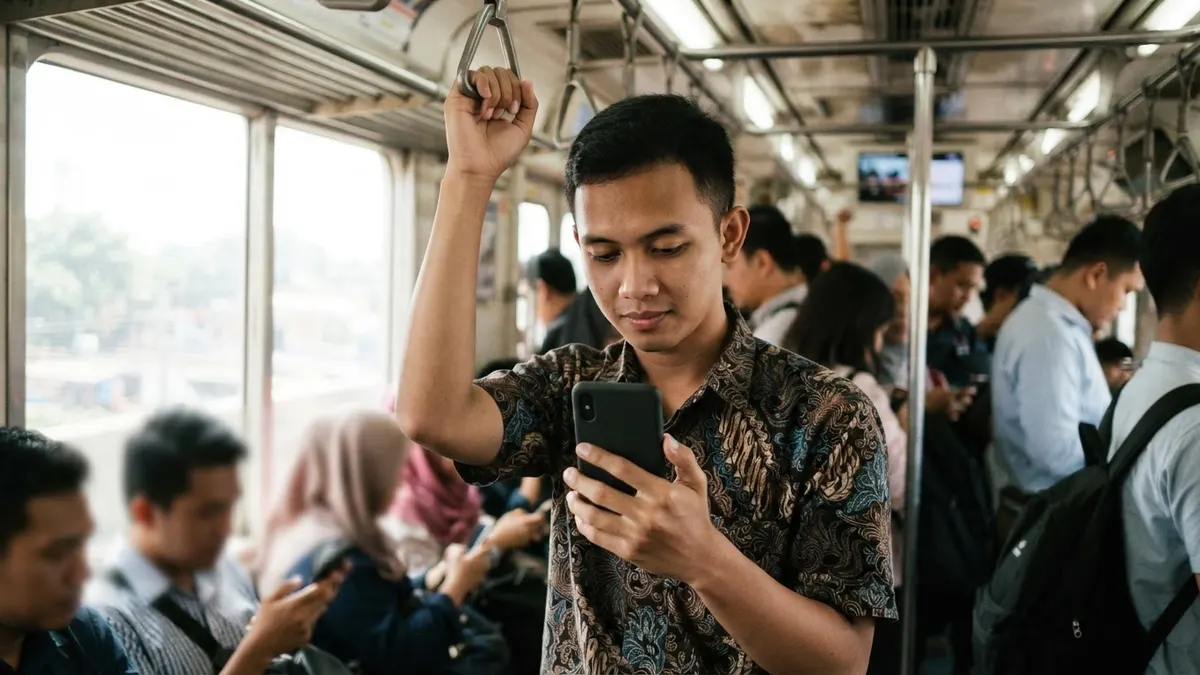
Most people leave Bluetooth on all day for earbuds, a smartwatch, or the car. That's reasonable. But Bluetooth also makes a phone "visible" and reachable by other devices within about ten metres, sometimes more. In busy places like stations, airports, and malls, that range covers dozens of people.
The real risks
| Risk | How it happens |
|---|---|
| Unsolicited transfers | AirDrop, Quick Share, or Bluetooth open to "everyone" receives photos, links, or files from strangers |
| Fake pairing | A device named like your earbuds or car asks to connect |
| Security flaws | Bluetooth flaws have allowed zero-interaction attacks on devices that weren't updated |
| Tracking | A small tracker is slipped into a bag or vehicle to follow someone's location |
| Leftover data | A phone paired with a rental car leaves contacts and call history behind |
Attacks that genuinely break into a phone over Bluetooth are rare and usually target devices that haven't been updated in a long time. The more common risks are unwanted transfers and tracking.
Settings worth changing
- Limit file sharing. On iPhone, set AirDrop to "Contacts Only" or "Receiving Off". On Android, set Quick Share to "Your contacts" or "Your devices".
- Turn off discoverable mode. The phone only needs to be visible while you have the Bluetooth menu open to pair something new. Don't leave that menu open.
- Reject pairing requests you didn't start. Even if the name resembles your own device.
- Remove old devices. Clear the list of paired devices, especially speakers or cars belonging to others.
- Update the operating system. Most serious Bluetooth flaws have been patched in updates.
The same principle applies to Wi-Fi Direct, which is also used for sharing files between devices; see what Wi-Fi Direct is.
Rental cars and shared vehicles
When a phone pairs with a car's infotainment system, contacts and call history are often copied across. Before returning a rental car, remove your phone from the device list on the car's screen, then remove the car from your phone. The same goes when selling a car or phone; see how to safely sell or dispose of an old phone.
Slipped-in trackers
Small Bluetooth trackers are handy for finding keys or luggage, but can be misused for stalking. Modern iPhones and Android phones can warn you when an unknown tracker keeps travelling with you, and Android offers a manual scan. If an alert appears, check your bag, jacket, and vehicle, and report to the police if you feel you're being followed. For vigilance in accommodation, see also how to check for hidden cameras in accommodation.
Safe habits in public
Bluetooth is just one door. In public places, also mind Wi-Fi and charging points; see how to use public Wi-Fi safely and the dangers of public USB chargers. Never install app files sent by strangers, whether over Bluetooth or messaging; see APK file scams over WhatsApp.
Frequently asked questions
Should Bluetooth always be off when I'm out?
Not necessarily, especially if you use a smartwatch or wireless earbuds. What matters more is that your phone isn't discoverable, file sharing is limited to contacts, the operating system is up to date, and pairing requests from unknown devices are always rejected.
How can I tell if a Bluetooth tracker has been slipped into my bag?
Modern iPhones and Android phones can warn you when an unknown tracker keeps moving with you. On Android, the feature is under safety or unknown tracker alerts settings and can be scanned manually. If an alert appears, check your bag, jacket, and vehicle.
Is receiving a file over Bluetooth from a stranger dangerous?
An ordinary image generally won't infect a phone, but its content may be inappropriate or a scam link. App files or documents asking to be opened are much riskier. The safest approach is to decline all transfers from unknown senders.